
When choosing between Wi-Fi and non-Wi-Fi baby monitors, consider your security priorities. Wi-Fi models offer smart features but require strong encryption, parental controls, and proper setup to avoid hacking risks. Non-Wi-Fi monitors are generally less vulnerable but might lack remote access convenience. It’s crucial to verify encryption standards and activate privacy controls regardless of your choice. To guarantee your family’s privacy, understanding these security options is key—there’s much more to learn if you keep exploring.

Turn the school run and nap time into listening time
- Thousands of audiobooks, podcasts and originals
- Listen on your phone, tablet or Echo — also offline
- Cancel anytime
Key Takeaways
- Wi-Fi monitors offer advanced features but require secure encryption and parental controls to prevent hacking.
- Non-Wi-Fi monitors are less vulnerable to remote hacking but rely on physical security.
- Ensure Wi-Fi monitors use up-to-date encryption protocols like AES for data security.
- Activate all available parental controls and password protections to safeguard privacy.
- Choose based on your comfort with technology, security needs, and preference for remote access features.
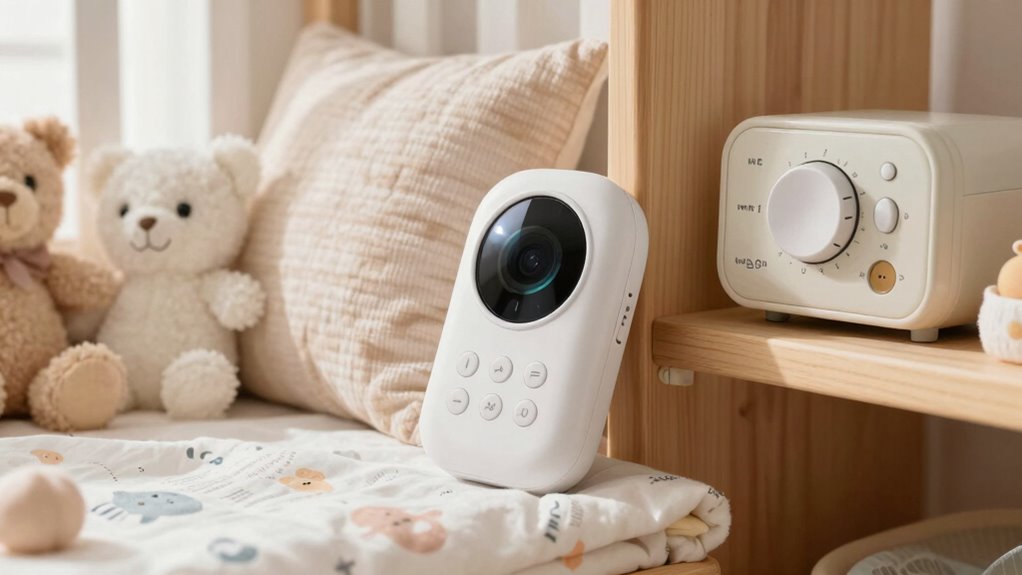
Have you ever wondered if your baby monitor is truly keeping your family’s privacy safe? It’s a valid concern, especially with so many options available. When choosing between Wi-Fi and non-Wi-Fi monitors, understanding how each handles your data is essential. Wi-Fi monitors often come with advanced features, but they can also pose security risks if not properly protected. The key to keeping your family safe lies in understanding encryption protocols and parental controls. Encryption protocols are methods used to secure the data transmitted between your monitor and your devices. With robust encryption, your video and audio feeds are scrambled, making it nearly impossible for outsiders to intercept or decode your private moments. Many modern Wi-Fi monitors use AES (Advanced Encryption Standard), which is widely regarded as highly secure. However, not all devices implement these protocols correctly, so it’s important to research and verify that your chosen monitor uses up-to-date encryption standards.
Parental controls are another critical element in safeguarding your privacy. These controls allow you to restrict access, manage who can view your monitor’s feed, and set permissions for different users. When selecting a Wi-Fi monitor, look for models that offer strong parental control features, such as password protection, user authentication, and the ability to disable remote viewing when you prefer privacy. Properly setting these controls ensures that only authorized individuals can access your monitor, reducing the risk of hacking or unauthorized viewing. Non-Wi-Fi monitors, on the other hand, typically don’t rely on internet connections, so they’re less susceptible to remote hacking. But they still require physical security; if someone gains access to the monitor’s network or physical device, they could potentially view your feeds. While they often don’t have the same encryption protocols, many non-Wi-Fi models encrypt data locally or within their closed systems, which can offer a layer of security.
Ultimately, your choice depends on your comfort level with technology and security. Wi-Fi monitors offer convenience and smart features but require careful setup—using strong encryption protocols and parental controls—to protect your family’s privacy. Non-Wi-Fi options might lack some bells and whistles but provide a more straightforward security profile. Whichever you pick, always stay informed about the security features available and ensure you activate all protective measures. Your family’s privacy depends on it, and taking these steps helps you keep your little one safe and secure in your home. Understanding encryption protocols is essential for making an informed choice and safeguarding your family’s privacy.
Products Worth Considering

Owlet Dream Duo 3 Smart Baby Monitor System

Owlet Dream Duo 2 Smart Baby Monitor System with Camera and Sock

Owlet Dream Duo Smart Baby Monitor System – includes 3 months of Owlet360
As an affiliate, we earn on qualifying purchases.
Frequently Asked Questions
Can Hackers Access My Baby Monitor Remotely?
Yes, hackers can access your baby monitor remotely if you don’t take proper precautions. To protect yourself, verify your monitor uses strong encryption protocols, which secure your data. Regularly update the firmware to patch vulnerabilities and keep hackers at bay. Additionally, change default passwords and secure your Wi-Fi network. These steps help safeguard your monitor from unauthorized remote access and protect your little one’s privacy.
Are Wi-Fi Baby Monitors More Secure Than Non-Wi-Fi Models?
Wi-Fi baby monitors are like locked doors—more vulnerable but with added security features. They often use encrypted connections and device authentication, making them safer if properly set up. Non-Wi-Fi models, on the other hand, rely on direct connections that are less exposed but can be less flexible. Ultimately, Wi-Fi monitors can be more secure if you enable strong passwords and keep firmware updated.
How Do I Update My Baby Monitor’s Security Settings?
To update your baby monitor’s security settings, start by changing the default password protection to a strong, unique password. Check the manufacturer’s instructions for firmware updates, which often include security enhancements. Regularly updating the firmware helps protect against vulnerabilities. make certain your Wi-Fi network is secure too, using strong encryption, and disconnect devices when not in use to keep your baby’s monitor safe from hacking attempts.
What Features Should I Look for to Enhance Privacy?
Think of your baby monitor like a fortress; you want strong defenses. Look for devices with advanced encryption standards, like AES-256, to keep your feeds secure. Check privacy policies to confirm data isn’t shared without your consent, and choose models with hardware or software encryption features. Regularly update firmware and change default passwords to strengthen privacy. These features help safeguard your child’s safety and your peace of mind.
Is It Safe to Use a Wi-Fi Baby Monitor on Public Networks?
Using a Wi-Fi baby monitor on public networks isn’t safe due to privacy concerns and network vulnerabilities. Public networks are more prone to hacking, which can expose your baby’s sensitive audio and video streams. To protect your privacy, avoid connecting your monitor to unsecured networks, or use a secured, password-protected connection. Consider a non-Wi-Fi monitor for added security, especially if you’re worried about potential cyber threats.
Conclusion
When choosing between Wi-Fi and non-Wi-Fi baby monitors, think of it as picking a shield for your little one’s safety. Wi-Fi models offer convenience but can be more vulnerable, like an open window. Non-Wi-Fi monitors provide a fortress of privacy, keeping prying eyes out. Whichever you choose, prioritize security to make certain your baby’s world stays safe and sound—because your peace of mind is the cornerstone of their comfort.